
Jira Issue Server
FreeNot checkedEnables interaction with Jira through OAuth 2.0 to create and manage issues directly from MCP-compatible clients. It supports secure authentication and local to

About
Enables interaction with Jira through OAuth 2.0 to create and manage issues directly from MCP-compatible clients. It supports secure authentication and local token caching to facilitate automated task management within Jira projects.
README
JIRA ISSUE MCP SERVER
This is a sample MCP server implementation for Jira issues. It uses OAuth 2.0 (3LO) to authenticate with Jira and create issues.
INSTRUCTIONS
Create an Atlassian developer account and set up an OAuth 2.0 (3LO) app to get a client ID and secret: https://developer.atlassian.com/apps/
Set up a Redis instance for caching the tokens and other data (should run on port 6379, redis default port).
Clone this repository and install dependencies with
npm install.Build the project with
npm run build.Configure the MCP server in your MCP client (e.g., Jira Service Management) with the JSON configuration. This is an example configuration for Cursor:
{
  "mcpServers": {
    "jira-mcp-server": {
      "type": "stdio",
      "command": "node",
      "args": [
        "<path to the project>/dist/index.js"
      ],
      "env" :{
        "ATLASSIAN_CLIENT_ID": "<client id>",
        "ATLASSIAN_CLIENT_SECRET":"<client secret>",
        "ELASTIC_API_KEY": "<elastic api key>",
        "ELASTIC_URL": "<elastic url>",
        "REDIS_HOST": "<redis host>",
        "SERVER_DOMAIN": "<domain>"
      }
    }
  }
}
Environment variable descriptions
- ATLASSIAN_CLIENT_ID (required): the OAuth client ID from your Atlassian developer app. This and ATLASSIAN_CLIENT_SECRET are mandatory for the OAuth flow to work.
- ATLASSIAN_CLIENT_SECRET (required): the OAuth client secret from your Atlassian developer app.
- ELASTIC_API_KEY (optional): API key for Elastic (used for telemetry/logging if configured). Default: not set.
- ELASTIC_URL (optional): Elastic endpoint URL. Default: not set.
- REDIS_HOST (optional): Redis connection string or host:port used for caching tokens. Default: "localhost:6379".
- SERVER_DOMAIN (optional): Base URL where this server is reachable (used to build OAuth redirect/callback URLs). Default: "http://localhost:3000".
Only ATLASSIAN_CLIENT_ID and ATLASSIAN_CLIENT_SECRET are strictly required to run the server. All other environment variables are optional and can be left unset to use local/default behavior.
DEMO
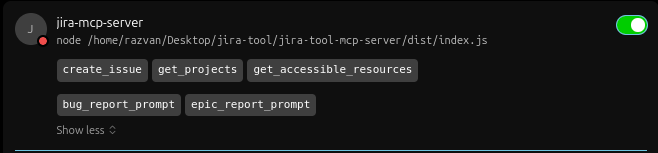
For the Demo I used Cursor as MCP client. After the config added, you should see in settings something similar to this:
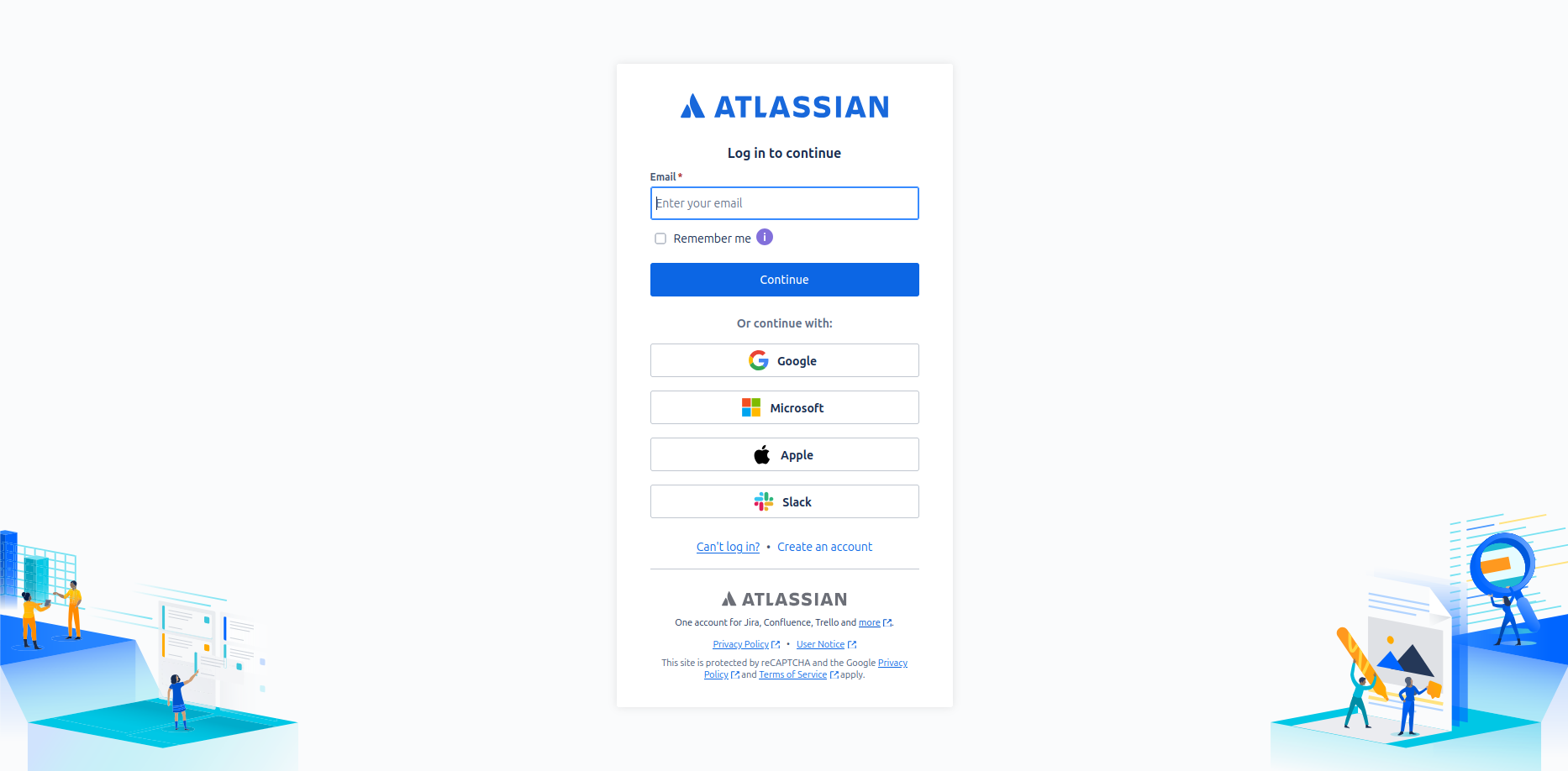
If there is no OAuth connection, first you will be redirected to the Atlassian authorization page to authorize the app.
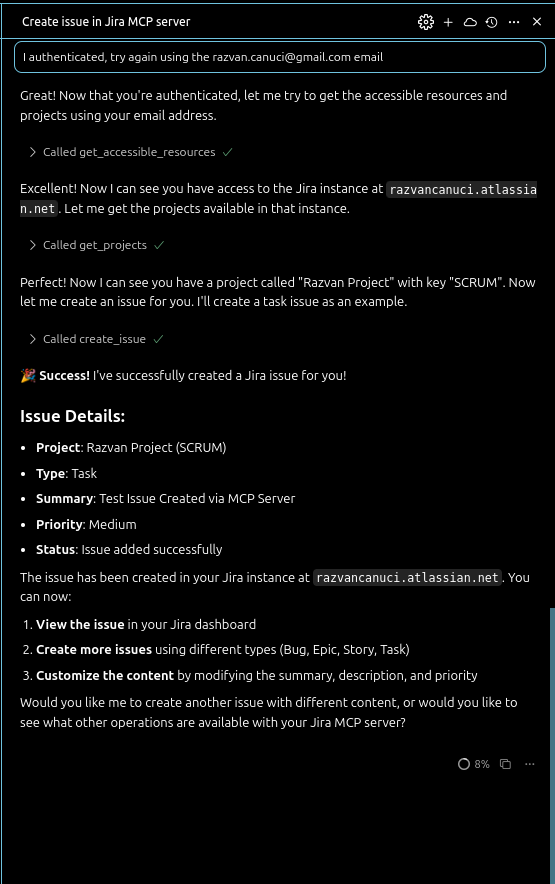
After the authorization, you should go to the Cursor to tell him that now it's all done and Cursor will do the magic if you have only one resource accessible and only one project.
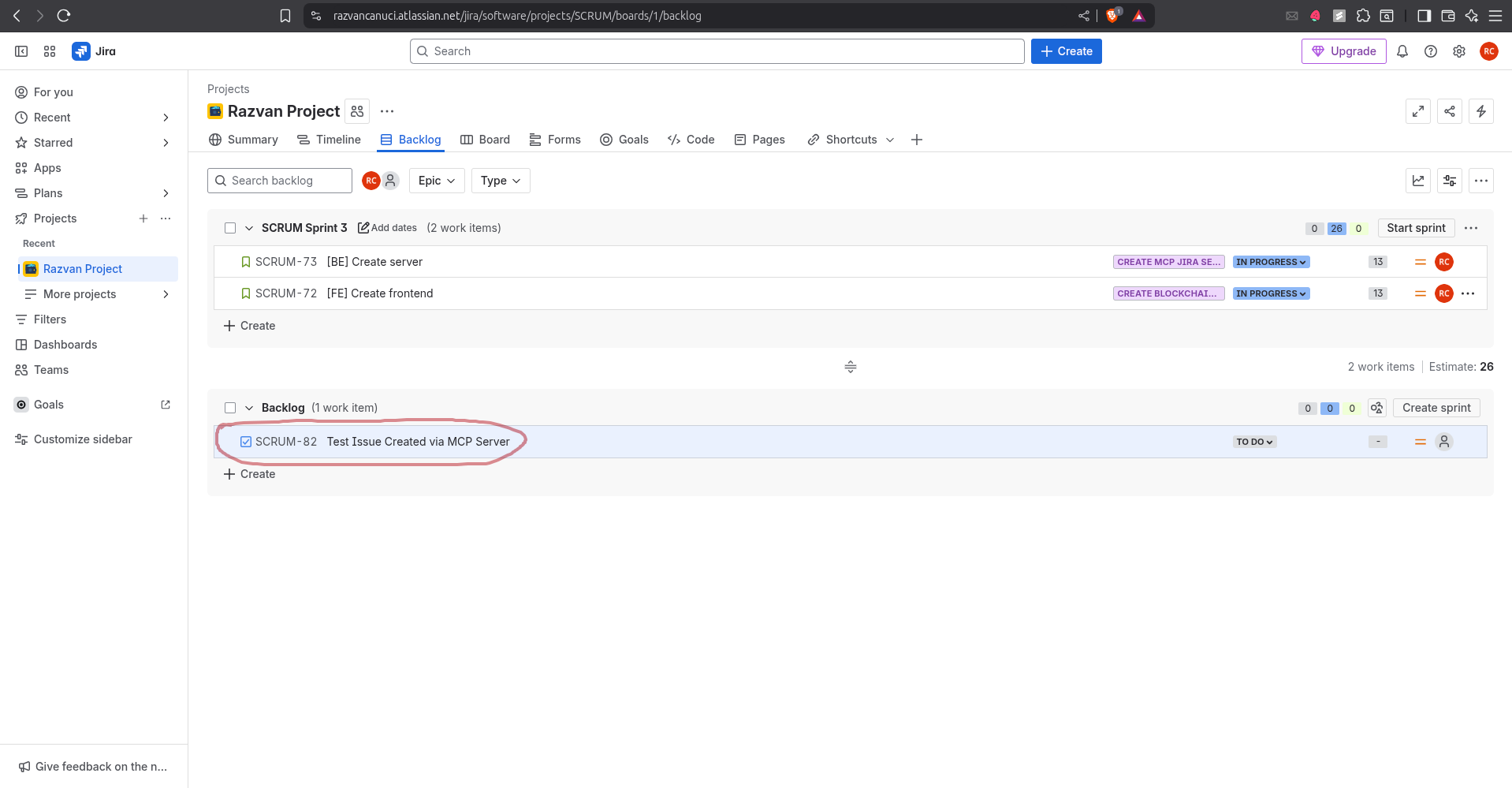
After that, you can see the task created in Jira.
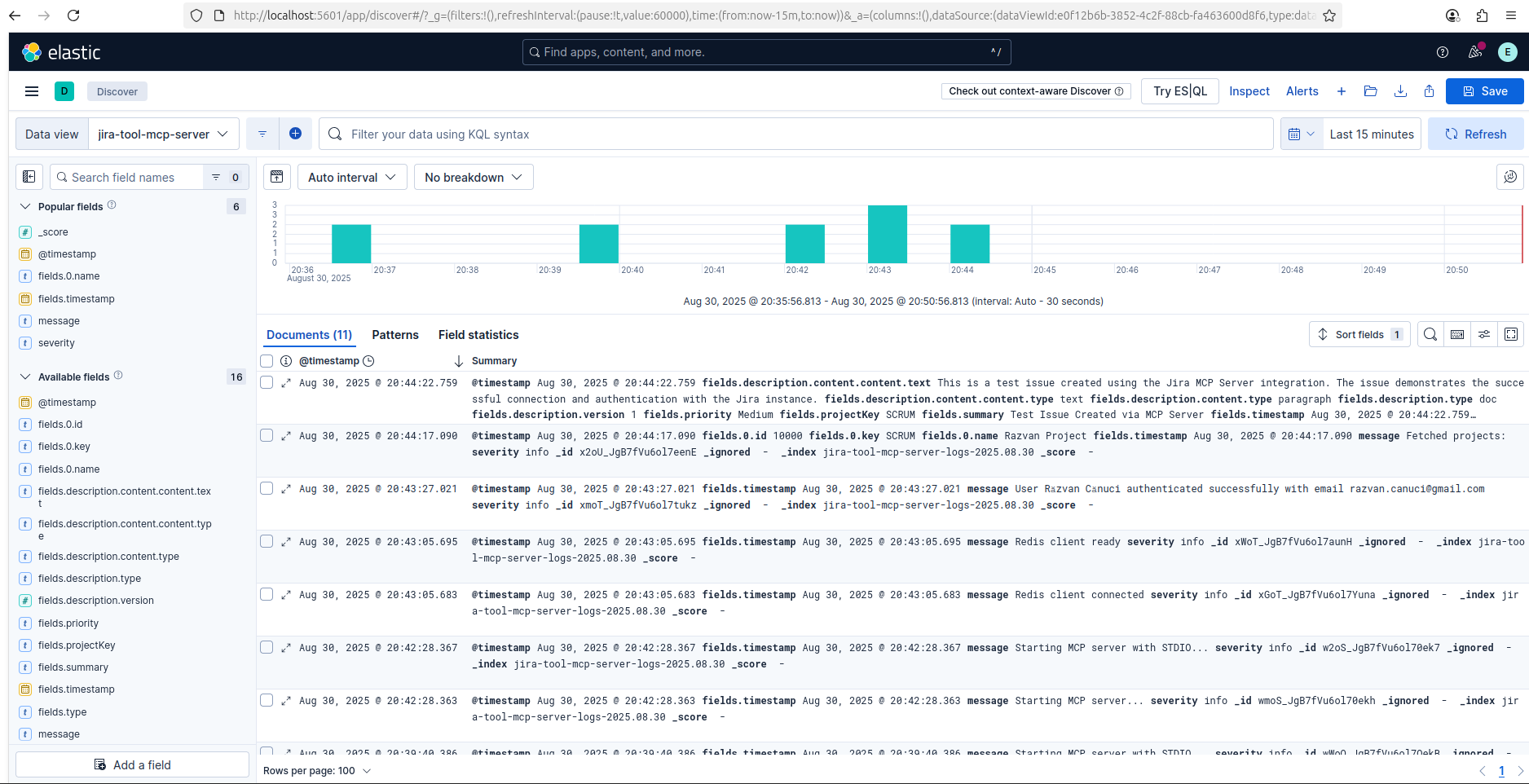
If you have Elastic connected, you can see the logs in Kibana.
DISCLAIMER
Starting from September 7th 2025, Smithery.AI will discontinue the support for the projects which require STDIO transport.
While the repository will remain accessible for reference, it cannot be deployed because of its dependencies.
LEGAL
- This project is not affiliated with Atlassian Inc.
- Respect Atlassian's API terms of service
- Your Jira instance credentials remain local
- No data is shared with third parties
SECURITY
- OAuth tokens are stored locally
- Use environment variables for sensitive config
- Never commit credentials to version control
Install Jira Issue Server in Claude Desktop, Claude Code & Cursor
unyly install jira-issue-mcp-serverInstalls into Claude Desktop, Claude Code, Cursor & VS Code — handles npx, uvx and build-from-source repos for you.
First time? Get the CLI: curl -fsSL https://unyly.org/install | sh
Or configure manually
Run in your terminal:
claude mcp add jira-issue-mcp-server -- npx -y github:razvancanuci/jira-issue-mcp-serverStep-by-step: how to install Jira Issue Server
FAQ
Is Jira Issue Server MCP free?
Yes, Jira Issue Server MCP is free — one-click install via Unyly at no cost.
Does Jira Issue Server need an API key?
No, Jira Issue Server runs without API keys or environment variables.
Is Jira Issue Server hosted or self-hosted?
Self-hosted: the server runs locally on your machine via the install command above.
How do I install Jira Issue Server in Claude Desktop, Claude Code or Cursor?
Open Jira Issue Server on unyly.org, pick your client tab (Claude Desktop, Claude Code, Cursor) and press Install — the config is generated automatically, no JSON editing.
Related MCPs
Notion
Read and write pages in your workspace
 by Notion
Linear
Issues, cycles, triage — from Claude
 by Linear
Google Drive
Search and read your Drive files
 by Google
mindsdb/mindsdb
Connect and unify data across various platforms and databases with [MindsDB as a single MCP server](https://docs.mindsdb.com/mcp/overview).
 by mindsdb
fulcradynamics/fulcra-context-mcp
MCP server for accessing personal health and biometric data including sleep stages, heart rate, HRV, glucose, workouts, calendar, and location via the Fulcra Li
 by fulcradynamics
aymericzip/intlayer
A MCP Server that enhance your IDE with AI-powered assistance for Intlayer i18n / CMS tool: smart CLI access, access to the docs.
 by aymericzip
rinadelph/Agent-MCP
A framework for creating multi-agent systems using MCP for coordinated AI collaboration, featuring task management, shared context, and RAG capabilities.
 by rinadelph
WhenLabs-org/when
Developer toolkit: auto-detect stack for AI context files, catch port conflicts, validate .env schemas, spot docs drift, audit dependency licenses, and time cod
 by WhenLabs-org
Beltran12138/wecom-docs-mcp-server
WeCom (Enterprise WeChat) document operations via MCP: create, read, and edit Docs and Smartsheets (9 tools). Fills the doc-CRUD gap — existing WeCom MCP server
 by Beltran12138
madbonez/caldav-mcp
Universal MCP server for CalDAV protocol integration. Works with any CalDAV-compatible calendar server including Yandex Calendar, Google Calendar (via CalDAV),
 by madbonez
Compare Jira Issue Server with
Not sure what to pick?
Find your stack in 60 seconds
Author?
Embed badge for your README
Browse similar
All productivity MCPs