

About
Krita adapter for the DCC Model Context Protocol
README

Typed document, layer, painting, save, and export automation for Krita.
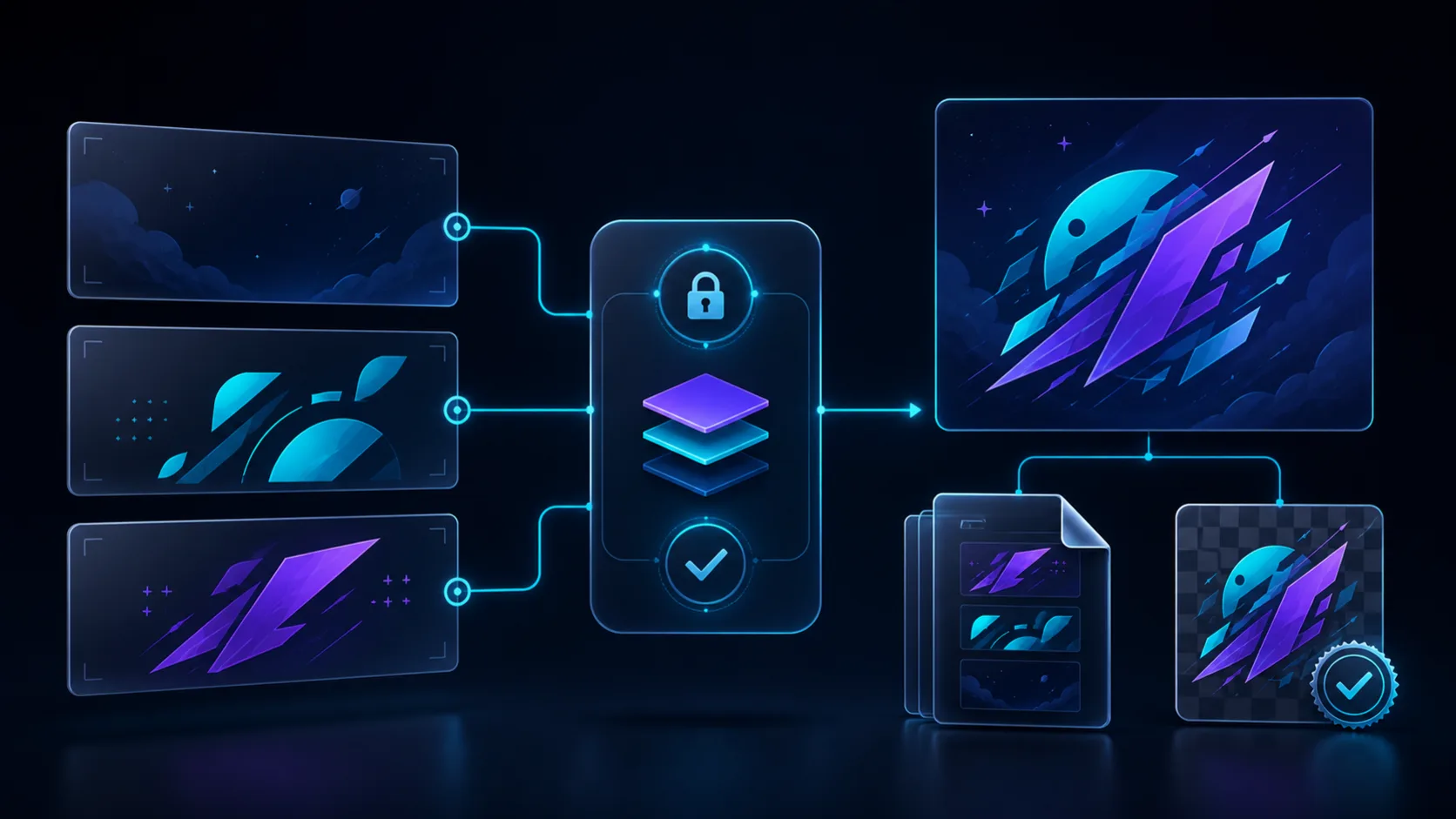
Illustrative workflow generated with OpenAI ImageGen from the retained source in docs/images/sources; it is not a Krita screenshot or host-validation artifact.
The adapter combines an external DCC-MCP service with a small Krita Python extension. The extension accepts authenticated loopback JSON-lines requests, queues every LibKis call onto Krita's UI main thread, and exposes only a fixed typed command catalog. It never evaluates caller-provided Python or action IDs.
Part of the DCC-MCP host matrix
dcc-mcp-krita — Krita adapter with typed document, layer, painting, save, and export workflows.
It is one of 47 host adapters in the DCC-MCP catalog. Every adapter speaks the same MCP protocol and builds on the same core runtime contract; each one exposes the tools its own host needs on top of that.
This block is generated from the catalog entry in dcc-mcp-catalog.yml. Re-run the generator after changing the catalog.
Capabilities
- discover the live bridge and list or inspect open documents;
- create bounded RGBA/U8 documents or open supported files under allowed roots;
- inspect layer hierarchy and create, activate, rename, lock, hide, fade, or delete paint layers;
- write bounded typed-color rectangles directly to paint-layer pixels;
- preserve layered work as
.kraand export PNG, JPEG, WebP, or TIFF artifacts; - return artifact size and SHA-256 for downstream Blender, Godot, or engine import validation;
- flatten or discard modified documents only with explicit typed confirmation.
The bundled krita-document-authoring Skill exposes 16 tools. Freehand brush
simulation, arbitrary Python, generic menu actions, and unrestricted filesystem
access are intentionally outside the contract.
Install
pip install dcc-mcp-krita
dcc-mcp-krita install --dcc-path /path/to/krita --yes
Restart Krita, open Settings → Configure Krita → Python Plugin Manager, and enable DCC MCP Krita. Configure allowed file roots before starting both Krita and the adapter:
$env:DCC_MCP_KRITA_ALLOWED_ROOTS = "C:\art\textures;D:\project\sprites"
krita.exe
dcc-mcp-krita
On POSIX systems, separate roots with : instead of ;. The bridge defaults
to 127.0.0.1:3848; DCC_MCP_KRITA_BRIDGE_PORT changes it for both processes.
The extension and adapter share a random token through the current user's
~/.dcc-mcp/krita-bridge-token; set DCC_MCP_KRITA_BRIDGE_TOKEN or
DCC_MCP_KRITA_BRIDGE_TOKEN_FILE when deployment policy requires another
secret source.
Inspect installation state without revealing the token:
dcc-mcp-krita status --dcc-path /path/to/krita --json
dcc-mcp-krita verify --dcc-path /path/to/krita --json
See the installation and lifecycle guide for platform paths,
upgrade/uninstall, stable exit codes, recovery, and troubleshooting. The legacy
dcc-mcp-krita-install and dcc-mcp-krita-doctor commands remain compatible.
Safety model
- loopback-only authenticated transport with bounded requests and responses;
- a bounded main-thread queue; socket workers never call Krita APIs;
- workspace-root, suffix, file-size, pixel-count, layer-count, and timeout limits;
- instance-scoped document and layer IDs instead of caller-provided expressions;
- explicit overwrite, flatten, and discard opt-ins;
- batch-mode export with bounded format options and artifact hashing;
- staged extension installation with rollback if replacement fails.
See Architecture for the runtime and failure contracts.
Development
python -m pip install -e ".[dev]"
python -m pytest -q
python -m ruff check src tests tools bridge
python -m ruff format --check src tests tools bridge
python tools/lint_skills.py
python -m build
python -m twine check dist/*
The host implementation follows Krita's official Python plug-in guide and LibKis API.
Install Dcc Mcp Krita in Claude Desktop, Claude Code & Cursor
unyly install dcc-mcp-kritaInstalls into Claude Desktop, Claude Code, Cursor & VS Code — handles npx, uvx and build-from-source repos for you.
First time? Get the CLI: curl -fsSL https://unyly.org/install | sh
Or configure manually
Run in your terminal:
claude mcp add dcc-mcp-krita -- uvx dcc-mcp-kritaStep-by-step: how to install Dcc Mcp Krita
FAQ
Is Dcc Mcp Krita MCP free?
Yes, Dcc Mcp Krita MCP is free — one-click install via Unyly at no cost.
Does Dcc Mcp Krita need an API key?
No, Dcc Mcp Krita runs without API keys or environment variables.
Is Dcc Mcp Krita hosted or self-hosted?
Self-hosted: the server runs locally on your machine via the install command above.
How do I install Dcc Mcp Krita in Claude Desktop, Claude Code or Cursor?
Open Dcc Mcp Krita on unyly.org, pick your client tab (Claude Desktop, Claude Code, Cursor) and press Install — the config is generated automatically, no JSON editing.
Related MCPs
ARA
Generate images, video and audio from any AI agent — one connector.
 by ARA
Omni Video
An MCP server that transforms LLM-enabled IDEs into professional video editors by pre-processing footage into text proxies, generating motion graphics via HTML/
 by buildwithtaza
YouTube
Transcripts, channel stats, search
 by YouTube
EverArt
AI image generation using various models.
 by modelcontextprotocol
gpu-bridge/mcp-server
GPU inference API for LLMs, image and video generation, TTS, Whisper, embeddings, reranking and OCR, paid per use via x402 or an API key.
 by gpu-bridge
merterbak/Grok-MCP
Access xAI's Grok API with agentic tool calling, image generation, vision and file support.
 by merterbak
SureScaleAI/openai-gpt-image-mcp
Image generation and editing with OpenAI's GPT image models.
 by SureScaleAI
YangLiangwei/PersonalizationMCP
Aggregate personal data from Steam, YouTube, Bilibili, Spotify, Reddit and other gaming, music, video and social platforms, with OAuth2 and token management.
 by YangLiangwei
AceDataCloud/MCPFlux
Flux image generation and editing from Black Forest Labs via the Ace Data Cloud API.
 by AceDataCloud
AceDataCloud/MCPNanoBanana
Nano Banana image generation and editing, including virtual try-on and product placement in realistic scenes.
by AceDataCloudCompare Dcc Mcp Krita with
Not sure what to pick?
Find your stack in 60 seconds
Author?
Embed badge for your README
Browse similar
All media MCPs