
Canvashand
FreeNot checkedFigma MCP server and plugin: AI agents read and edit live Figma files, no Figma API token.

About
Figma MCP server and plugin: AI agents read and edit live Figma files, no Figma API token.
README
Canvashand is a Figma MCP server plus a Figma plugin. AI clients such as Claude Code, Cursor, Codex, VS Code, Gemini CLI and Windsurf use it to read and edit live Figma files.
This repository holds the listing README and manifests only. Canvashand is proprietary and its source code is not here.
What it does
- 102 MCP tools to read and edit Figma files.
- Several Figma files at once, with one agent per file.
- Change sessions with rollback, so you can undo what an agent changed.
- No Figma API token and no Dev seat. Figma's rate limits do not apply.
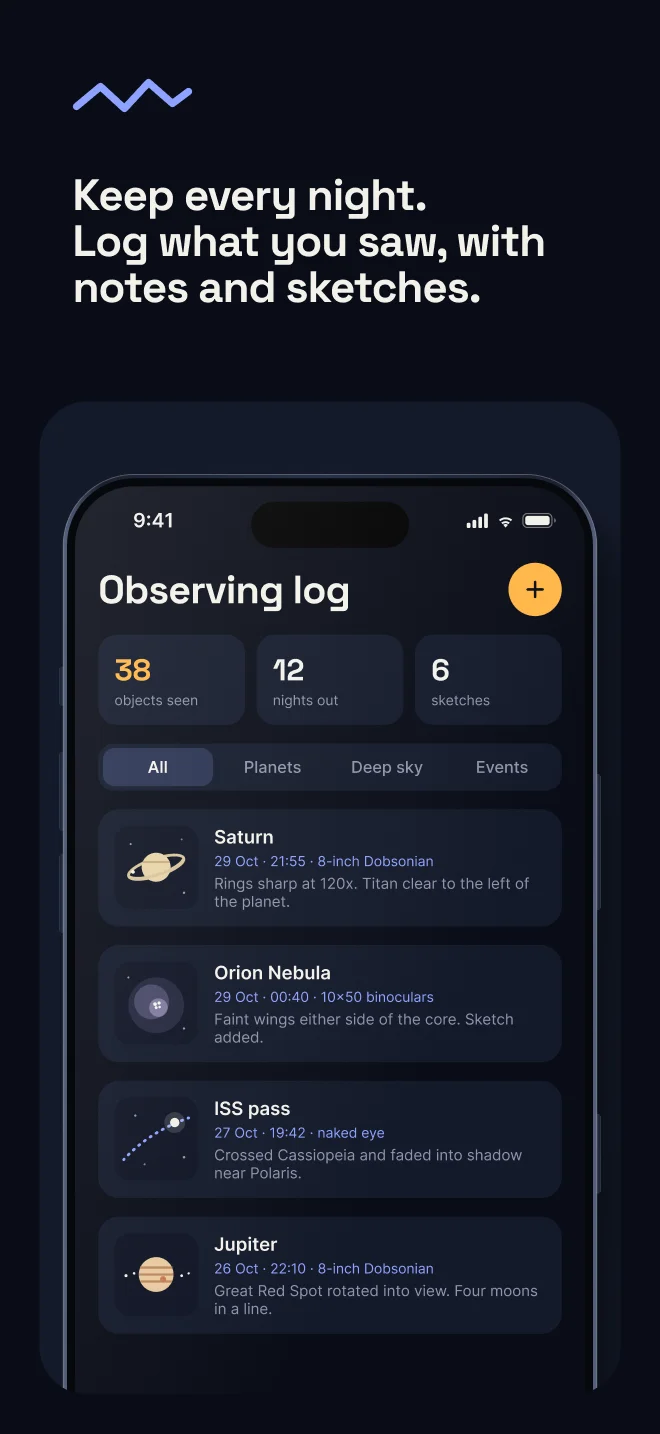
- App Store and Google Play screenshot sets made from your app's real screens.
Store screenshots
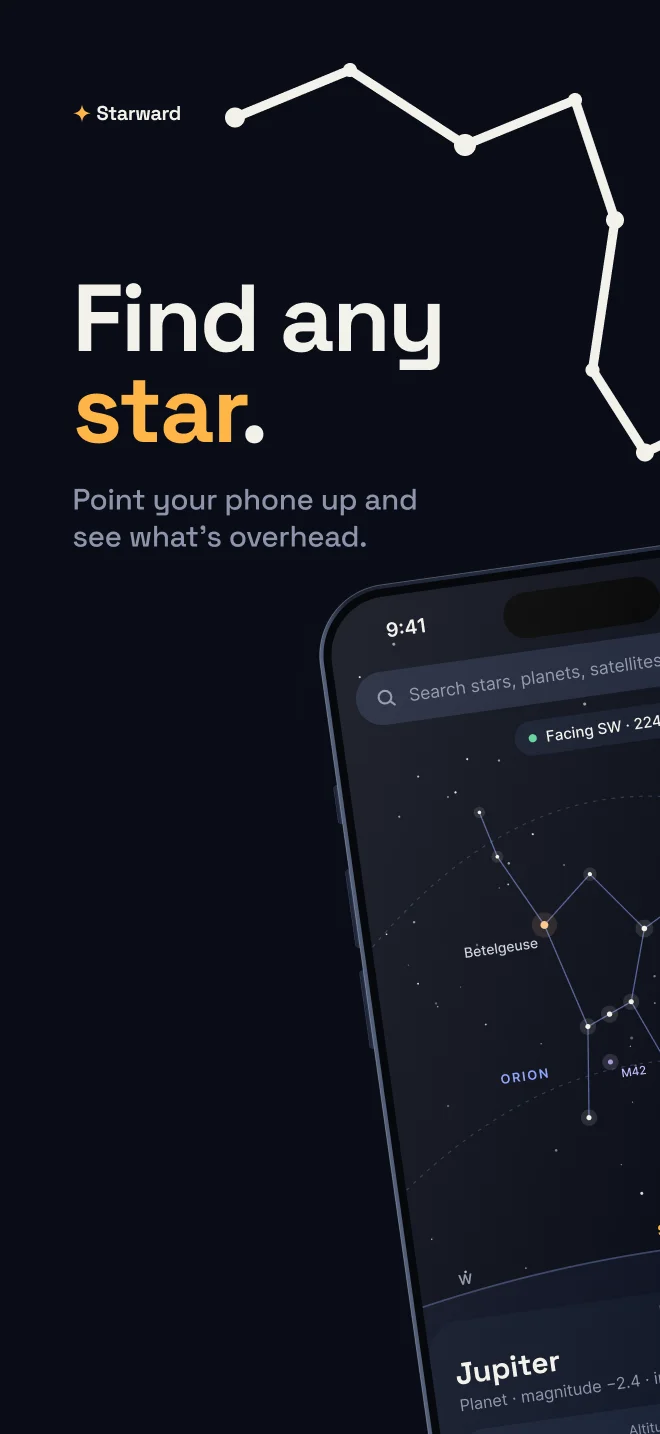
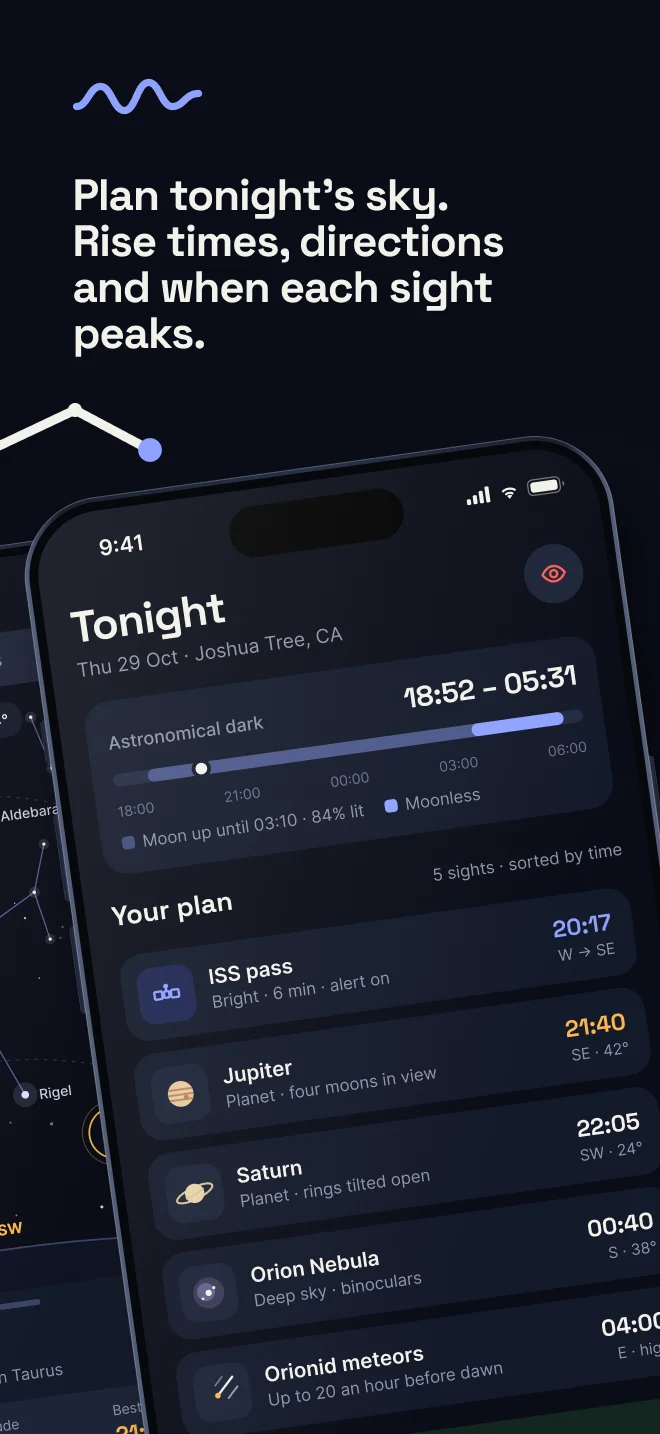
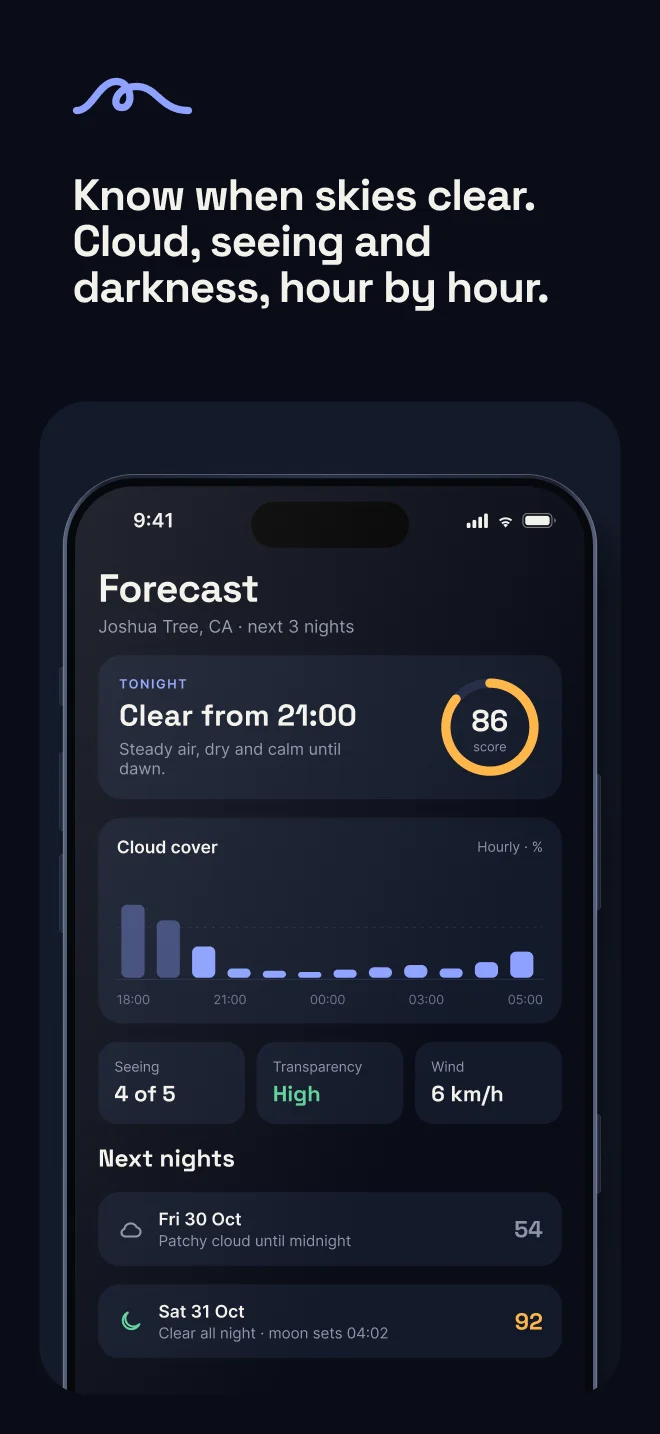
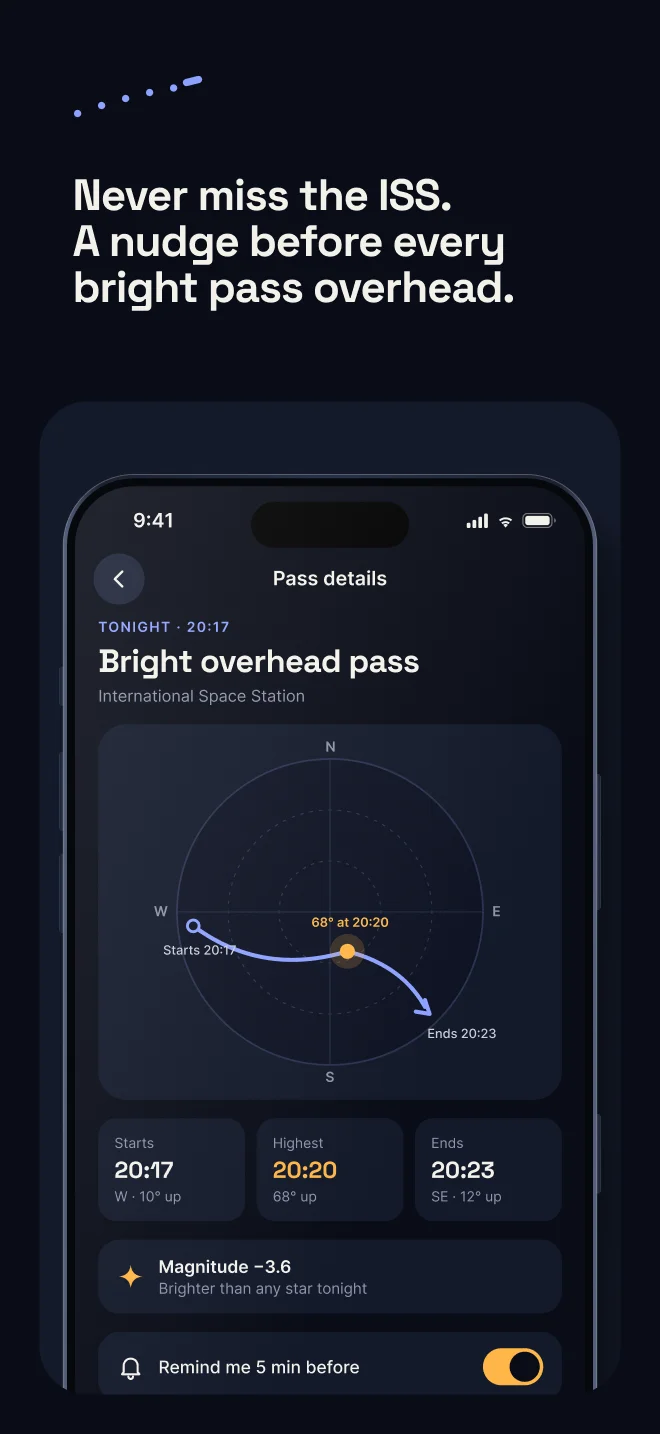
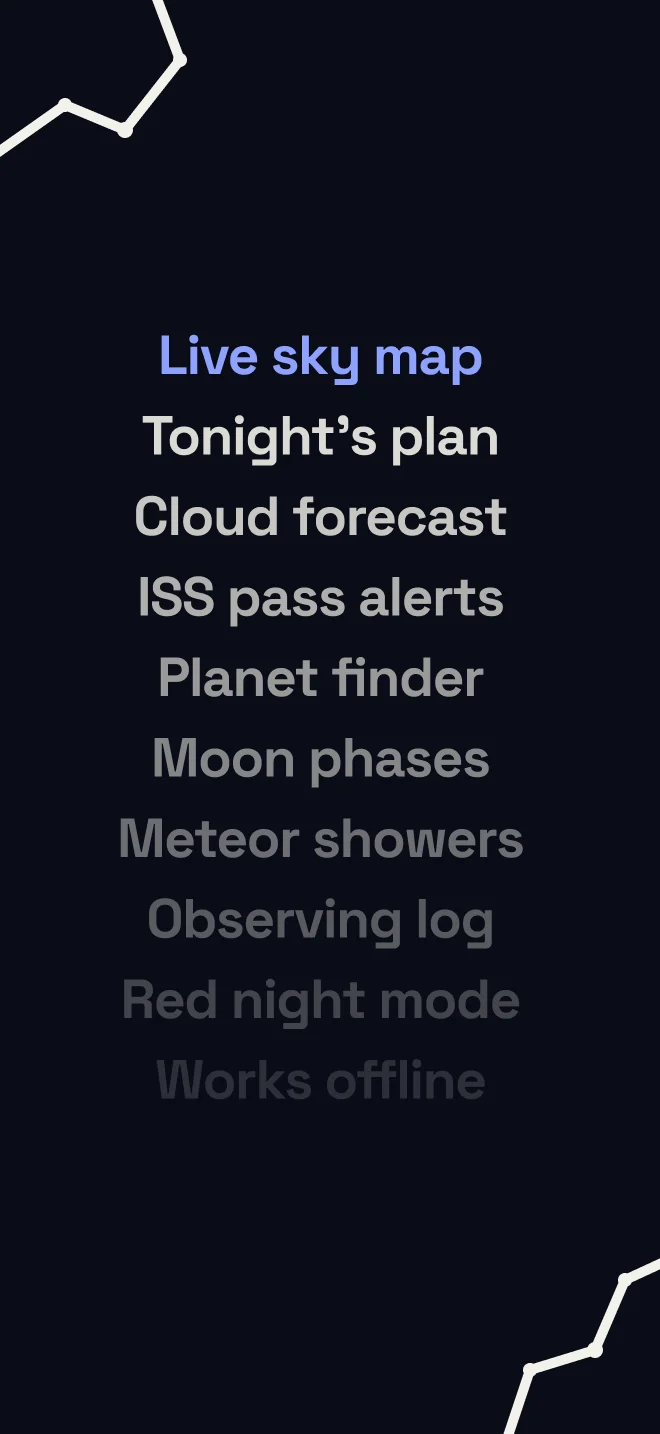
Canvashand builds store screenshot sets in Figma from your app's own screens, in five looks with a full or cropped phone. This set uses the Panorama look on Starward, a demo app. See every look at https://www.canvashand.com/#store-screenshots.
Install
Install the command line tool:
curl -fsSL https://www.canvashand.com/install.sh | shConnect your AI clients:
canvashand setup --allImport the Canvashand plugin in Figma. The steps are at https://www.canvashand.com/setup.
Installers for macOS, Linux and Windows are at https://www.canvashand.com/download.
Pricing
- Free: 2,000 tool calls a month.
- Pro: $6.99 a month or $69.99 a year. Unlimited calls. Your first Pro plan starts with a 7-day free trial.
Full plan details are at https://www.canvashand.com/pricing.
Privacy
The plugin talks to the server on 127.0.0.1. Your designs never reach Canvashand's servers.
Links
- Site: https://www.canvashand.com
- Setup: https://www.canvashand.com/setup
- Download: https://www.canvashand.com/download
- Pricing: https://www.canvashand.com/pricing
- Guides: https://www.canvashand.com/guides
- Privacy: https://www.canvashand.com/privacy
Support
Email [email protected].
License
Proprietary. All rights reserved.
Figma is a trademark of Figma, Inc. Canvashand is independent and not affiliated with Figma, Inc.
Installing Canvashand
This server has no published package — it is built from source. Open the repository and follow its README.
▸ github.com/aurascalesoftware/canvashand-mcpFAQ
Is Canvashand MCP free?
Yes, Canvashand MCP is free — one-click install via Unyly at no cost.
Does Canvashand need an API key?
No, Canvashand runs without API keys or environment variables.
Is Canvashand hosted or self-hosted?
Self-hosted: the server runs locally on your machine via the install command above.
How do I install Canvashand in Claude Desktop, Claude Code or Cursor?
Open Canvashand on unyly.org, pick your client tab (Claude Desktop, Claude Code, Cursor) and press Install — the config is generated automatically, no JSON editing.
Related MCPs
LibreOffice Tools
Enables AI agents to read, write, and edit Office documents via LibreOffice with token-efficient design. Supports multiple formats including DOCX, XLSX, PPTX, a
 by passerbyflutter
Figma
Extract design specs and assets
 by Figma
dannote/figma-use
Figma control: create shapes, text and components, and set styles, auto-layout, variables and exports.
 by dannote
Logo.dev
Search and retrieve company logos by brand or domain. Customize size, format, and theme to match your design needs. Accelerate design, prototyping, and content
 by NOVA-3951
Design Inspiration Server
Searches top design platforms like Dribbble and Behance to provide UI inspiration, color palettes, and layout patterns via the Serper API. It allows users to re
 by YonasValentin
PIX4Dmatic
Enables GUI automation for controlling PIX4Dmatic on Windows through MCP. Supports launching, focusing, capturing screenshots, sending hotkeys, clicking UI elem
 by jangjo123
mcp-dockmaster
An Open-Sourced UI to install and manage MCP servers for Windows, Linux and macOS.
ariekogan/ateam-mcp
Build, validate and deploy multi-agent AI solutions on the ADAS platform: design skills with tools and manage the solution lifecycle.
 by ariekogan
thinkchainai/mcpbundles
Create custom tool bundles, connect providers with OAuth or API keys, and use one MCP server across many integrations, with a UI for bundles and credentials.
 by thinkchainai
jau123/MeiGen-AI-Design-MCP
Image generation and editing with a curated prompt library, prompt enhancement and routing across local ComfyUI, MeiGen Cloud and OpenAI-compatible APIs.
 by jau123
Compare Canvashand with
Not sure what to pick?
Find your stack in 60 seconds
Author?
Embed badge for your README
Browse similar
All design MCPs